Accessibility through AI?
Australia's Disability Statistics: More Than You Think
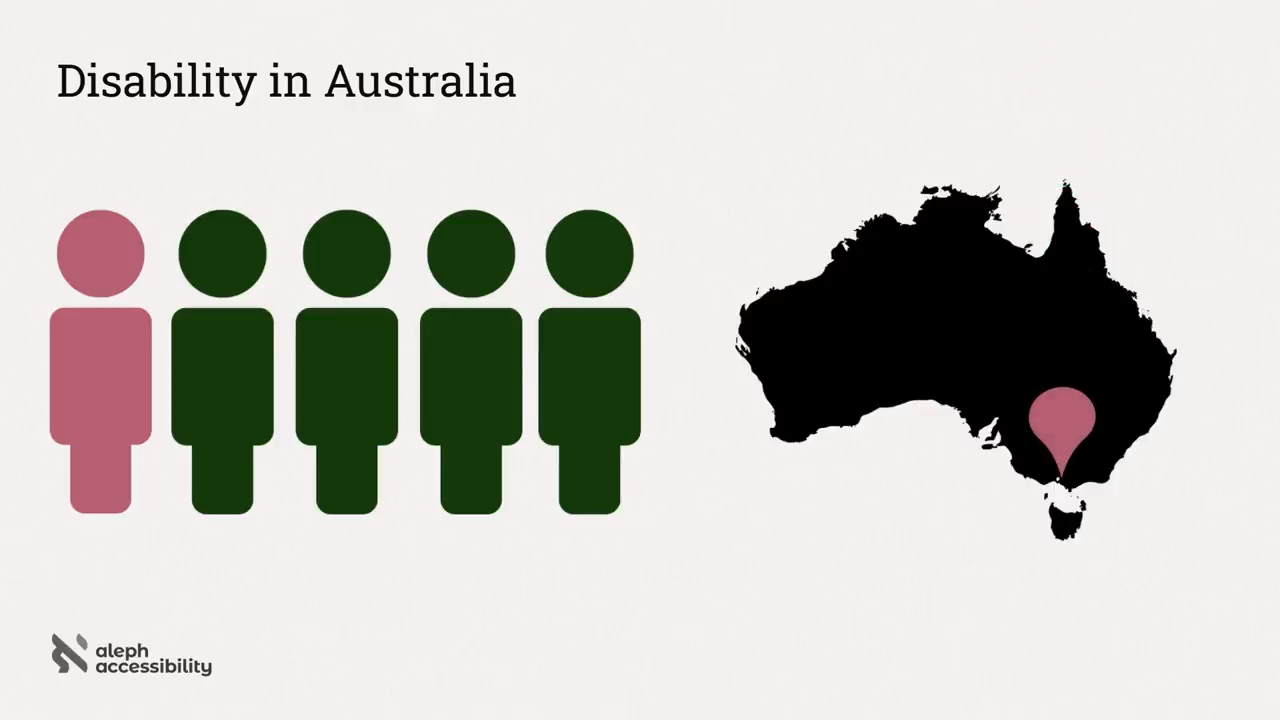
The speaker opens with audience participation to reveal that 20% of Australians—five million people, equivalent to Melbourne's entire population—have a disability. She broadens the definition beyond the census figure to include permanent, temporary, and situational disabilities, neurodiversity, and age-related decline, establishing that disability is a far more expansive concept than commonly assumed.
People with Disabilities Rely on Technology — But the Web Is Failing Them
The speaker illustrates how people across all disability types depend on digital technology—from online grocery shopping after an injury to banking in retirement—before introducing the WebAIM annual report. Its finding that 95% of home pages are inaccessible, with an average of 51 automatically detected bugs per page, reveals a stark gap between the need for accessible technology and its current reality.
AI Accessibility Wins: Predictive Text, Voice Recognition, and Captions
The speaker surveys AI-powered technologies that are genuinely improving accessibility, including predictive text and Grammarly for people with learning disabilities, voice recognition originally developed for motor-impaired users, and auto-captioning accelerated by COVID-19. She also highlights emerging sign language interpretation technology that could make conferences like this one accessible to Deaf audiences.
AI-Generated Alt Text and Visual Assistance Tools
The speaker demonstrates how AI can address one of the web's top accessibility failures—missing image alt text—through tools like ChatGPT and the company Scribbly, which operationalises bulk alt text generation with mandatory human review. She extends this to image-to-text for inaccessible restaurant menus and introduces Be My AI (part of Be My Eyes), which gives blind users autonomous, private visual assistance in daily tasks like grocery shopping and banking.
Why AI Struggles to Build Accessible Code: The Context Problem
The speaker examines whether AI can help developers write accessible code, explaining that LLMs excel at pattern recognition but struggle with the context-dependent reasoning accessibility requires. Using examples built around a bare div with an onclick handler, she shows how identical markup can represent a button, link, accordion, radio button, or tab—and that choosing the correct accessible implementation demands human judgment about element relationships, state announcements, keyboard behaviour, and colour contrast.
Automation Tools That Already Help with Accessibility
The speaker introduces a curated list of free accessibility automation tools—Playwright testing suites, linting tools for individual or pipeline use, browser scanners, and Figma plugins—and assigns the audience homework to adopt at least one. She notes the critical caveat that automation catches only 10–30% of accessibility issues, making it a useful baseline that must be complemented by manual testing and user testing.
AI Trains on Biased, Inaccessible Data
The speaker identifies a fundamental flaw in relying on AI for accessibility: its training data mirrors the inaccessible web it learned from. She cites a Midjourney experiment by creator Jeremy Andrew Davis in which 148 AI-generated images of an autistic person were almost exclusively white, male, young, and unsmiling—demonstrating that ableist bias in training data causes AI to amplify inaccessibility rather than correct it.
Accessibility as a Social Problem: Embedding It Into Culture and Process
The speaker argues that disability is fundamentally a social problem rather than a technology one, citing discriminatory hiring practices, architectural barriers, and the misconception that disabled people are a niche market—despite representing $20.5 billion in Australian disposable income and driving 28% higher revenue for organisations that invest in accessibility. She closes with a call to action: embed accessibility into design, development, and testing from the start; secure executive ownership; upskill teams; and actively recruit disabled users for testing, because accessibility is not something to solve, but something to build.
Thanks, John. Yes, so there's a lot of hype around accessibility around AI, as we know. Some also grounded use cases for it. And whenever we are talking about AI and this brand new tool that's really transforming everything, I do think it's important that we ask some really real questions about how it can solve and address some real world challenges that we have.
So that's what I want to be talking about. First, let's do some audience participation. Sorry, says New Zealand, I just recently did this presentation in New Zealand, but the stats are in Australia. So, we will pretend that the slide says how many people in Australia have a disability. So, I'm going to show three numbers, and we'll just do a raise of hands of what you think.
So, is it five percent? Raise of hands. Twenty five percent? Sixty five percent? You all are covered. So, it's twenty five percent of actually, sorry, this is a New Zealand slide. But anyway, that's fine. It's very close to Australia. So in Australia, it's twenty percent.
It's one in five. Put in other terms, that one in five is five million people. Put in other terms still, that's the entire population of Melbourne. And that's a minimum, so those people who raise their hand for 65%, you're not actually wrong. Because those people who are taking off on a census, that they need certain levels of support, so that might be your physical disabilities.
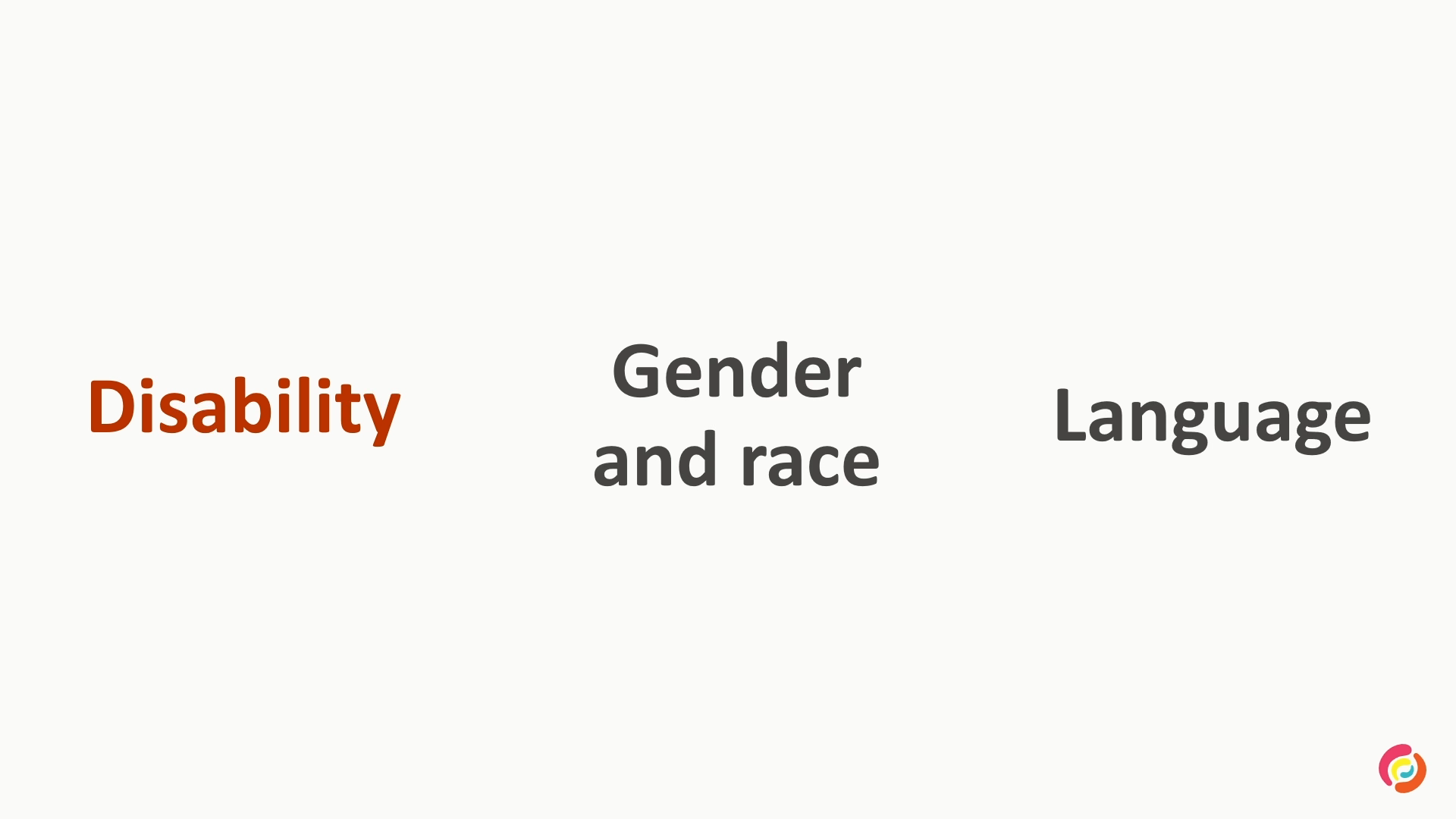
But we're really thinking about more people actually benefit from accessibility as well. We have permanent, temporary and situational. So for example, if I break my right hand, I'm a right handed person, if I break my right hand or my right arm, that's that's going to impact the way that I use technology. Again, the physical stuff, so vision, mobility, hearing, also neuro diverse people.
So, we probably have a lot of people in this room either who definitely are ADHD or pretty sure you are ADHD. And there's a lot of accessibility things that are helpful for our ADHD and our autistic friends, as well as other learning disabilities as well. And finally, the last group of people as well is our older population. You know, as we get older, natural part of that aging process is our eyesight gets weaker, our cognition gets weaker, our dexterity gets weaker. It's just naturally part of it.
About half the people aged 65 have a disability. And when we're thinking about 65 and all that older population, you know, we're not talking about somebody who's, you know, bent over a walker and, you know, frail and white haired. I mean, maybe we are. But 65, actually, that's my mom.
And looking at the demographics in this room, that's probably your parents as well, or pretty close to. So we're talking about people that we know, and a really large demographic of people. So this idea of disability is really a much more expansive idea than just that one in five. And all of these people are using technology. So if I break my hand, I still need to do grocery shopping. In fact, I might be more likely to go do my shopping online because of my injury.
Like I said, this audience is probably full of a bunch of ADHD and autistic people, and we're so lucky that you've all been able to come and buy your ticket online in order to be able to make this conference a lot richer. I had an old colleague who was blind in one eye, but loved video games. And finally, my mom, who is in her retirement age, she still needs to do her banking, if anything more than ever, to make sure that in that stage of life, she's really on top of her finances through her online banking.
So, all of these people are still using technologies. The question then is, how is the state of accessibility for these people? Another audience participation, there is a survey that's done by an organization called the Web AIMS, Web Accessibility in Mind. They do an annual report every year, scanning 1,000,000 of the top home pages, and that gives them a sense of and then they share that, and it gives us a sense of the conformance levels that accessibility and what are the kind of the trends in accessibility on the state of web today.
So based on this report, a scan of 1,000,000 home pages. Again, I'm going show you three numbers. How many people or how many home pages are inaccessible? Who thinks 55% of home pages are inaccessible? 70% of home pages are inaccessible. 95% of home pages are inaccessible.
Alright, you all are covered group. The answer is 95%. Let that just sink in for a second. 95% of home pages are inaccessible. That's an average, the report also showed an average of 51 accessibility bugs per home page. And that only includes automatically detected bugs.
So things like keyboard navigation and focus visibility and things that require manual testing, does not get detected by automatically detected bugs. So that's at a baseline minimum that we're talking about. So, when we're looking at the people who are using technology, we're seeing that there's barriers time and time again on the technology that we're trying to use.
So, it raises a really important question that can AI improve accessibility? And, I mean, one answer to that is, yeah, actually. There are ways that AI is definitely improving accessibility. So we have technologies like predictive text, has actually been around for a really long time, you know, when you're texting things, or you have Grammarly that's been autocorrecting things.
And that's really useful for people who have learning disabilities, or dyslexia, you know, even English as a second language, making sure that you can, for example, write that CV to make sure that you get that job that you deserve, right? We have voice recognition that's also existed for a long time that uses AI. In fact, voice recognition has been developed specifically for people who have motor disabilities, and that has been applied more widely for everybody. And those two technologies probably together has ushered in our ability to have auto captioning and transcripts.
And probably because of COVID as well, the urgency of everything going online has probably really made that happen a lot faster, and so we're all benefiting from being able to have meetings that are auto captioned automatically, basically. But of course, why stop at text either? There's companies that are introducing sign language interpretation.
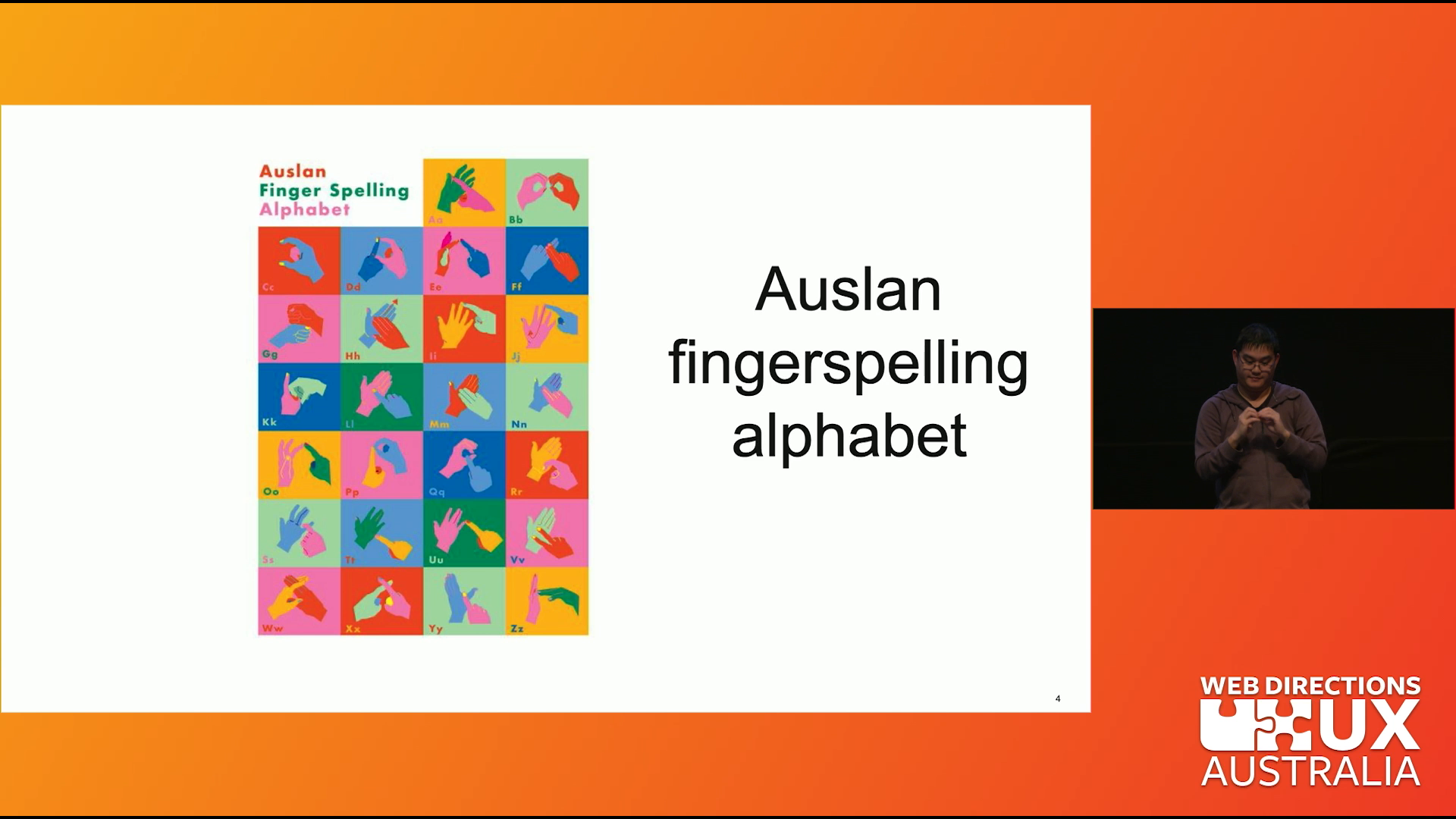
So, what I'm saying, for example, I don't know sign language, but a technology that can take what I'm saying, create an avatar, and with that avatar translate what I'm saying into that other language. That's pretty cool. So something like a conference like this can become even more accessible to even more people. Yeah, and we're seeing it even beyond those technologies, right?
So for images, images is one of the biggest issues in that survey, it's one of the top five issues images with no alt text. So we can address that issue as well. So I took I was just using ChatGPT, I took an image and put it in and asked ChatGPT to provide an alt text for me, and it did that, which is pretty cool.
Granted, the alt text is quite verbose, so you do need to, you know, have a review it and make sure that it's actually accurate, but hey, better than nothing, and at least it gives you something to work off of, right? And this actually extends beyond as well. So a company called Scribbly has actually decided to take this technology, has found value in this technology, and is promoting it and using it in their as their business.
So they use AI to generate bulk image alt text. And it's interesting that when you do research about them and listen to how they speak about it, they do emphasize that they are focused on the operationalization of image descriptions. So they really do emphasize a human process behind it. But in a scenario where you have bulk alt text generation that you have to do, that could be really labor intensive.
So something like AI can really help in that way and again, that helps people who are low vision blind, but also people who have slow internet to be able to use the website, use sites more accessibly. This idea of taking images and translating them into text goes beyond just alt text as well. For example, you can take an image of text, which is really inaccessible, because for example, if you're using a screen reader, a screen reader can't read an image, can't recognize the text in the image.
So whatever text is in an image is not accessible to somebody who's using a screen reader. A common case scenario for this is menus on restaurants. So, I have a friend who is blind and uses a screen reader, and when we are going to restaurants, he needs somebody to read the menu for him. And so, if you think about when you are going out with friends, or maybe a cheeky date, and you want to read the menu ahead of time to get a sense of what's going on and prepare yourself, know, having that autonomy is really important.
And so now, you can do that by entering that image into ChatGPT, and it can read the text for you. That's really cool. In fact, companies have thought that this was really cool as well. There's something a company called Be My Eyes, that is normally like and still volunteer based, where basically somebody who needs vision help can dial in to the app or like however it works, and get volunteers to act as their eyes quote unquote in that scenario. So for example, if I'm in the grocery store and I'm picking up like a can of beans and I'm like, is this red beans or black beans?
Because you know the labels are very the same and it's just one word that's different, and I have difficulty seeing that, I can use Be My Eyes and have somebody tell me which can of beans is the one that I want, and then you know carry on with my day. So Be My Eyes has been rolling out Be My AI, which you can do the same thing, but using AI, which that's really, again, really cool and really impressive.
And it also contributes to a person's autonomy, you know, you don't have to ask a person for help anymore. But also with privacy, you know, things like, I mean, that's a grocery store example, but, you know, if I have like health or banking things that I'm working through, I don't need to ask somebody for that, and that's something that's a lot more private, and I can keep that to myself.
We're seeing a lot of technology, and it's really cool, but there are just, you know, like the asterisks, I guess, there is that a lot of them still need human review. For example, we had the voice activation is based off of North American dialogue. So, I have not that many problems with voice activation, but most of you are Aussies in this room, and we saw an example of our wonderful Livan, who had issues with the AI understanding what he was saying.
And same with text inputs, predictive text, if you've ever hit just the first predictive text on your phone just to see what comes up, it makes no sense, right? So having human verification is really important, also having alternative inputs, so again that speech activation, but also if I have a stutter for example, speech activation might not fully understand me, or I have had a stroke, it impacts the way that I'm speaking.
So if Siri is not listening to me and not understanding what I'm saying, I could always pick up my phone and just enter what I'm trying to type in instead. So that caveat there is really important, that multiple inputs is really important, really useful. Okay, we're all technologists in this room, we're all part of building technology, so the question then is, can we use AI to help us build accessible software?
We were talking about products at the end user state, we're improving accessibility. But how about the code that we're building? So, let's first talk about what AI is. What we're talking about specifically is really LLMs. Right? And so those large language models, and what they do is predicting the most probable next word.
That's what they actually do. And so what they're really good at is recognizing patterns, which humans are notoriously bad at. Recognizing patterns and making predictions. Maybe that's one of the reasons why they're really impressive. But what humans are really good at is context based problem solving, understanding the nuance of things.
And so when we're thinking about digital accessibility and how AI can work with us to end accessibility, we have to wonder where does accessibility fit in that logic. So I have an example. So I've got a piece of code on the screen, it's a div with an onclick with a function of doAction. Who in this room can tell me what this code is?
What is this element? It's a button? Okay, yes, so it's a button, right? Because it has an on click, so it's a button. I mean, it could also be a link, because it has an on click. For that matter, it can be a radio button, right? Why not? Or maybe it's an accordion, which an accordion is a type of button, but there's a little bit more context to it.
So it can be an accordion or a checkbox or maybe it's a tab, right? Those can also have on click elements. So that context around it really matters. So, okay, I gave you a really simplistic example, we'll do a different one. It's the same div, but this time we have the words read more. So what is this element now?
A link? Yeah. So it's a link, right? It's like an article, right? So you have the article, and then it gets like truncated, and then so you click Read More in order to get to the article. I mean, but it could also be an accordion, Like, read more, it gets again, gets truncated, then it expands, so you can read more things. Or maybe it's a radio button again, that that's part of the option, and you decided not to write an input if you use the div instead for whatever reason.
And so it's that radio option instead. So there's a lot of context there, and I'm just asking you one question of what is this element? When it comes to accessibility, when it comes to UI as a whole, there's a lot of other questions that we ask. Right? So what is the relationship that this element has with other elements on the page?
So that's for example, the radio buttons, you need to make sure that those are in radio groups or tabs, you want to group those together. What state does it have? That's really important because if you're a blind person and you have an accordion, you need to announce to a screen reader, or you have to have the screen reader announce that the accordion gets expanded.
So knowing the state is really important. And again, the tabbing order as well. And we haven't even touched things like keyboard accessibility and keyboard navigation. So what is the expected keyboard behavior? What is the focus state like? And what is the color contrast? So this is a simplistic example, but these are a lot of the questions that we ask when it comes to accessibility, but also when it comes to just coding in general.
When it comes to software, context matters. And so when we are looking, and when I asked ChatGPT actually, you know, what makes an accessibility issue difficult or easy to understand, ChatGPT agrees that the context I asked it, and it says AI struggles with ambiguous or context dependent accessibility issues.
So, when we're looking at that Venn diagram of how AI works, that pattern recognition, and how humans work, what we see is that there's a lot of overlap when it comes to accessibility with the way the humans work or humans think. We need a lot of human thinking when it comes to accessibility, because the context really does matter.
Now, you might be thinking, but surely technology help a little bit. In this very scientific Venn diagram that I have, we've got a sliver of digital accessibility that's part of that pattern recognition. So surely, can use AI for something. And you're right, it's called automation, and it already exists. So, there's lots of automation tools, and the majority of them are free, that you can use to get technology to help you make your products more accessible, and make your code more accessible.
So, who here uses already in any form of their process some accessibility automation? Okay, yeah, nice. Fair amount. You might be raising your hand just because you want to, I don't know, not look bad, that's fine. Either way, that's great if you are. Also great if you are not, you have to start somewhere. So I have on the screen a QR code.
If this QR code doesn't work, you go to alifaccessibility.net/resources and it's there. It's a list of free accessibility tools that we encourage and we like to use. So, your homework and you now have homework, congratulations, you didn't know that your homework is to pick literally anything on that list and implement it into your work.
And if you raised your hand that you are already using automation, you still have homework. Your homework is to pick a second thing. Do I have the other slides? Yeah, we're talking things about testing suites that plugs and plays really easily into Playwright, linting tools that you can use either on your individual system or on the wider pipeline as well.
So depending on what level of influence you have in your team, there's a solution for you. There's also browser scanners as well, so if you could get your product team and your testers to be looking the accessibility as well, or you could just look at your website or your app or whatever, using browser scanners, as well as things like color contrast and Figma plug ins, you can tell your design team to get them on board as well.
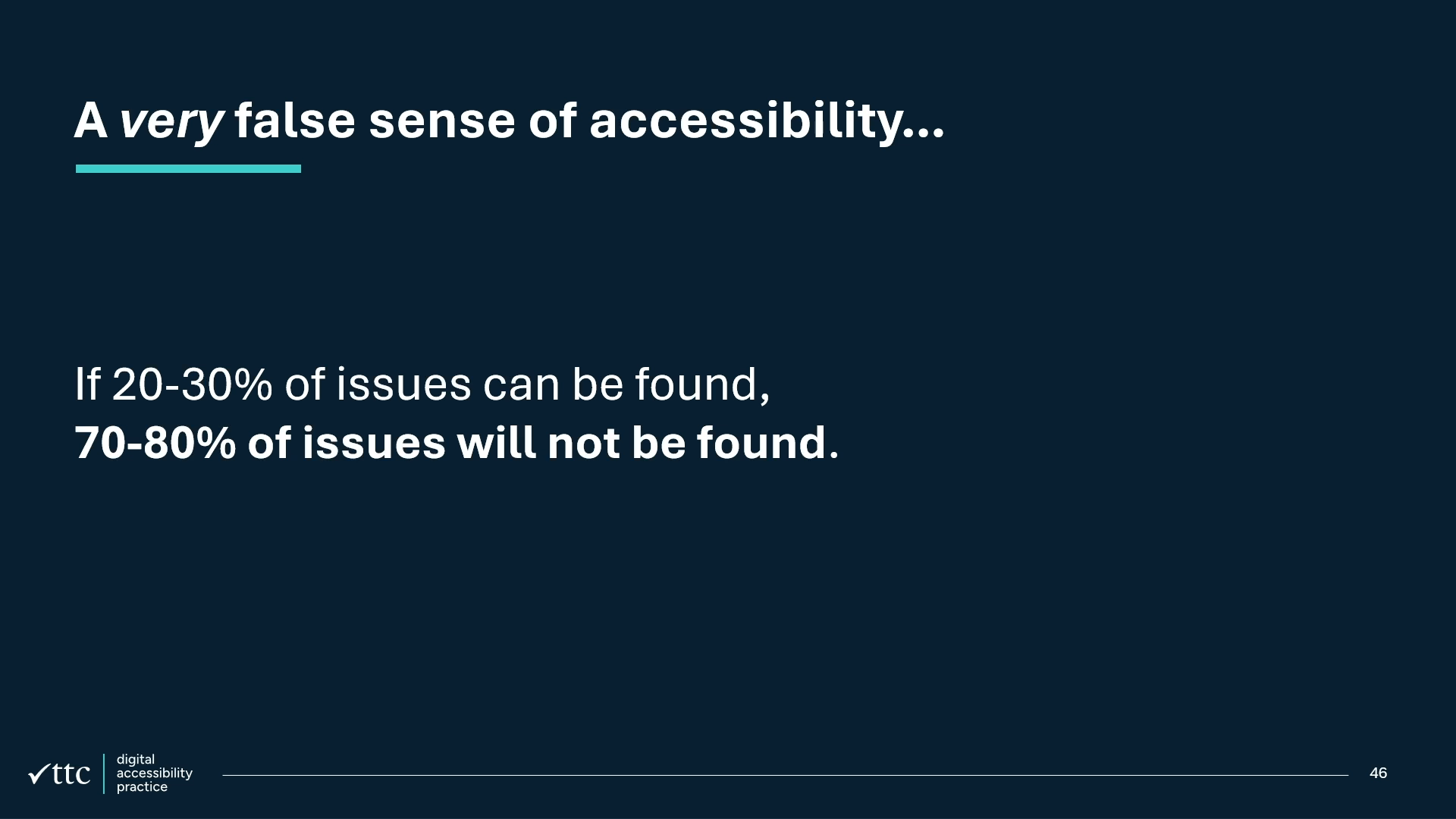
So lots of tools that help elevate the accessibility, that uses automation, that uses technology to make your life a little bit easier. There is a caveat that automation only catches about 10% to 30% of accessibility issues. I talked about at the top, that million project, it doesn't capture everything. But you might as well use something, right?
Get something as a baseline and something to build off of for your initiative. Okay, so because accessibility only really catches 10 to 30%, that's why when it comes to accessibility testing, do a lot more, including manual testing and user testing as well. So it's using all three to create a picture of understanding what the accessibility of your app or website or whatever it is.
There's another element to this as well though, about using AI to build accessible code. So, how does AI learn? Data sets, right? What's the data set that we're working off of? What was the number that we said was home pages that are not accessible? We've got 95% of home pages that are not accessible.
95%! That's an overwhelming majority. To the point where the 5% is the outliers, the 5% that are accessible are the outliers. And in fact, that's how AI works, is pattern recognition and excluding outliers, and then having a lot of confidence in being able to recognize patterns. So it's really amplifying the inaccessible stuff, and diminishing the stuff that's accessible. So how is it supposed to learn what is accessible and what is not?
And in fact, there's a content creator called Jeremy Andrew Davis, did an experiment where he asked Midjourney to generate an image of an autistic person, and of the 148 images that were generated by Midjourney, only two of them were female presenting, only five were over the age of 30, all of them were white, and none of them were smiling. This is because AI trains on biased data.
And in fact, it trains on ableist biased data. We can't expect AI to be able to produce accessible code if it's training off of data that isn't accessible itself. So when we're asking the question, Can AI build accessible software? I think it's the wrong question to ask, or I think, at least, it's the wrong place to be looking for it.
Because the reality is that disability is not a technology problem, it's a social problem. It's the ways that we think about code, we think about our users, and then we make decisions based on what's important to us in terms of producing code, which in turn produces code that reflects the values that we have.
Disability has existed well before and apart from technology. It's existed in creating this building and deciding whether we think about the patrons of a building and whether they can actually access the inside of the building, or the outside of it. It exists in our discriminatory hiring practices, where disabled people are more likely to be unemployed, twice as likely to be underemployed, and less likely to have a BA or higher.
It exists in our con con con conception that accessibility in disabled community is a niche community, even though they represent $20,500,000,000 in Australia alone of disposable income, and that organizations who invest in accessibility programs see 28% higher revenue than their competitors. How we build accessible products isn't by throwing a tool at it and calling it resolved.
We have to do it by embedding it into our processes, From all the way from design into dev and testing as well. We do it by looking at our executive policies, and getting it in there, and in fact, an executive to take ownership of it, and saying, this is what I'm going to own, and this is important to our code and our product.
It involves upskilling. You know, you can train your databases, and we saw examples of using Copilot, and Copilot is learning from your code. But if you don't know how to build accessible products, then Copilot isn't going to learn from your code. So it's upskilling you and your team to make sure that you understand what it means to write accessible code.
And that might involve accessibility expertise, and that might involve external expertise or internal, bringing that expertise in to make sure that you know what you need to know, and no, you don't, and that's Okay. And finally, want to be testing with disabled users. Ultimately, that's who we are focused on and what I mean by testing with disabled users isn't just doing user testing and hoping that we've captured some people, but it's actively seeking out different types of people with different types of abilities and disabilities, and making sure that we're getting their voice and input on our user testing.
It's by doing these things, by focusing on our process, our culture and training, that's how we address accessibility. Because accessibility isn't something to solve, it's something that we build. And that's what I want to leave you off of. Thank you.
People
- Jeremy Andrew Davis
Technologies & Tools
- Auto captioning
- Be My AI
- ChatGPT
- Figma
- GitHub Copilot
- LLMs
- Midjourney
- Playwright
- Predictive text
- Screen reader
- Siri
- Voice recognition
Concepts & Methods
- ADHD
- Alt text
- Color contrast
- Dyslexia
- Keyboard navigation
Organisations & Products
- Be My Eyes
- Grammarly
- Scribbly
- WebAIM